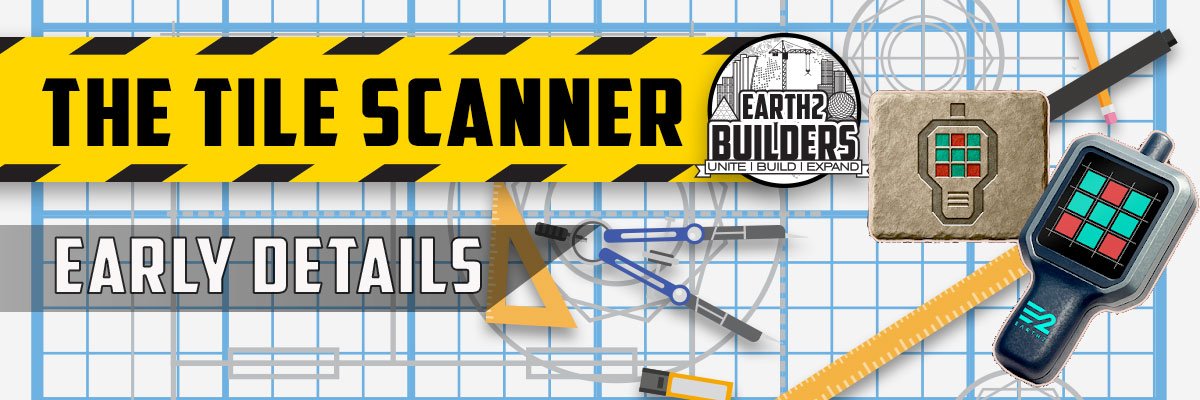
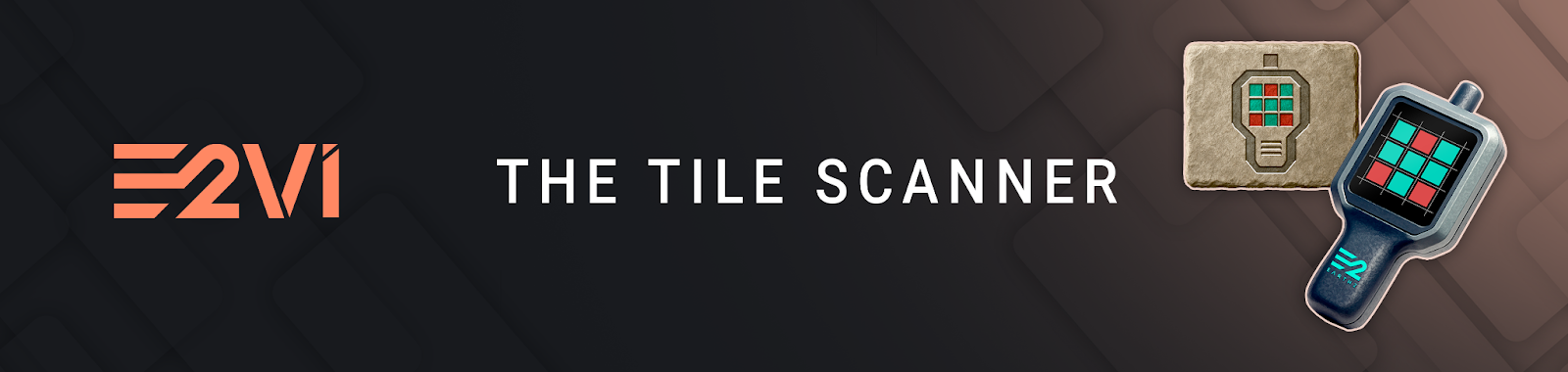
New craftable device that allows Players to quickly determine whether nearby tiles are searchable.
Increases Player efficiency by reducing time and uncertainty involved in exploration,
Using the Tile Scanner requires Essence (ESS).
Scanning Tiles in Your Surroundings:
Players can choose how many tiles they wish to scan by entering a number that defines the size of the matrix.
For example:
• entering 5 will scan a 5 × 5 area (25 tiles)
• entering 8 will scan a 8 × 8 area (64 tiles)
• entering 10 will scan a 10 × 10 area (100 tiles)
A fexible system allows Players to control how much area they want to scan based on their needs and available Essence.
Improving Exploration Efficiency:
Now Players proactively check tile status before interacting with it.
This makes the Tile Scanner a valuable tool for:
• reducing wasted time during exploration
• improving search efficiency across large areas
• planning more effective exploration routes
• focusing efforts on tiles that still have potential value
Essence Powered Scanning:
The amount of Essence required depends on the number of tiles being scanned, based on the selected matrix size.
Before confirming a scan, the system will display:
• the total number of tiles being scanned
• the amount of ESS required
• an approximate USD value of that ESS based on external pricing
Ensuring Players are fully informed of the cost before proceeding with the scan.
100% of the Essence used by the Tile Scanner is flagged for burn
_________________________________
How to Use the Tile Scanner:
Once crafted using the public recipe in E2V1.
1) Move the Tile Scanner to the Action Bar
2) Select the corresponding action slot
3) Press LMB to activate
Once activated:
4) A pop-up will prompt the Player to enter a matrix size number
5) The system will display the number of tiles to be scanned and the ESS cost
6) Press SCAN to proceed
7) A confirmation prompt will display the approximate USD value of the ESS
8) Confirm the action to begin the scan
Visual Scan Results
Once the scan is complete, the results are displayed directly in the world.
Tiles that have already been searched will be: highlighted in red
After a short period, the highlights will automatically fade away.
Viewing Previous Scan Data:
Includes a convenient feature for reviewing previously scanned data.
Players can:
Select the Tile Scanner in the Action Bar
Press RMB
This will display the last known tile search status for tiles that were previously scanned.
Local Data Storage:
The previous scan data is stored locally on the Player’s system.
This means:
• only tiles that have been scanned using the Tile Scanner are recorded
• tiles searched manually by you are not stored in the Tile Scanner
• tile data is not continuously updated unless a new scan is performed meaning
previously scanned tiles that appeared as unsearched, may have been searched by other Players by the time you search them, especially if you are using the RMB function on tiles scanned a long time ago.
_________________________________
It is also important to note that:
• If E2V1 is uninstalled or reinstalled, all locally stored scan data will be lost
This system provides convenience while maintaining a clear distinction between live backend data and locally cached results.