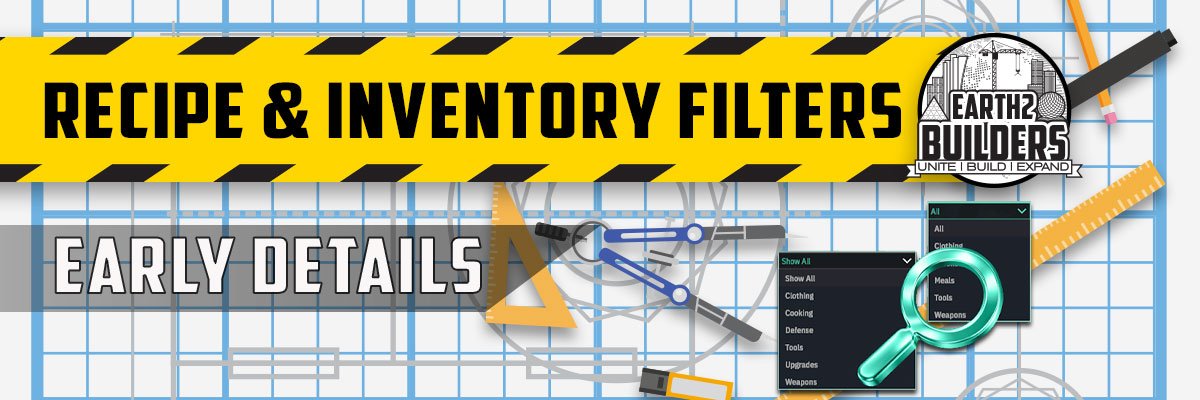
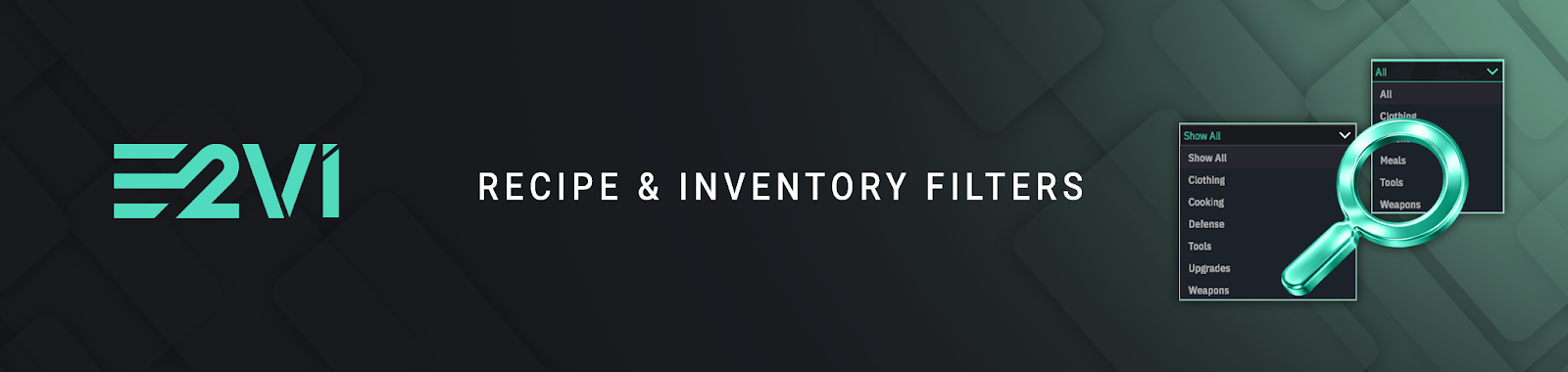
Addition of search and filtering functionality:
• Mentar Storage
• Character Inventory
Allowing Players to quickly locate items, materials and recipes.
Search Function
The search function allows Players to:
• enter the name of an item
• instantly locate matching results
This is the fastest way to find a specific item or recipe.
Category Filters:
The filter system allows Players to organise items into categories such as:
• tools
• devices
• clothing
• weapons
• defence
• cooking
• upgrades
Additional categories will be introduced over time as more systems and items are added to the game.
_________________________________
How To use search:
Search and filtering functionality works consistently across Character Inventory, Mentar Storage and the Public Recipe List.
Open the relevant interface:
• press I for Character Inventory
• interact with your Mentar to open storage
• open the Crafting menu for the Recipe List
Locate the Search field
Enter the name of the item or recipe you are looking for
The system will instantly display matching results.
How To use filters:
1) Open the same interface
2) Select the All filter option
3) Choose a category to display only relevant items or recipes
Filtered results will update immediately, allowing you to quickly browse items within specific categories such as tools, devices, cooking, weapons and more.
This consistent behaviour across all interfaces ensures that Players can quickly locate items and recipes regardless of where they are interacting within E2V1.
Developer Log: Recipe & Inventory Filters:
The addition of search and filtering across multiple interfaces required coordinated work across UI systems, backend infrastructure, data categorisation and performance optimisation.